At a glance
Full specifications ↓The full table below adds cycle support, team driving and FMCSA registration details.
What the ELD does
Duty status changes automatically when the truck moves over 5 mph, with built-in cycle recap tables so drivers can see what they have left.
Driver and Inspector cards hand an officer what they ask for. Send logs to the DOT email or web server from the app.
Drivers submit pre-trip and post-trip inspection reports, and they stay on the web portal for six months.
In-state mileage and fuel purchases are tracked as you drive and roll up into quarterly IFTA reports.
Fault codes read straight off the diagnostic port, so you hear about a problem before the truck is down.
Driver and co-driver share a device or log in on their own, and drive time swaps between them.
Installed in about five minutes
-
01
Check which port you have
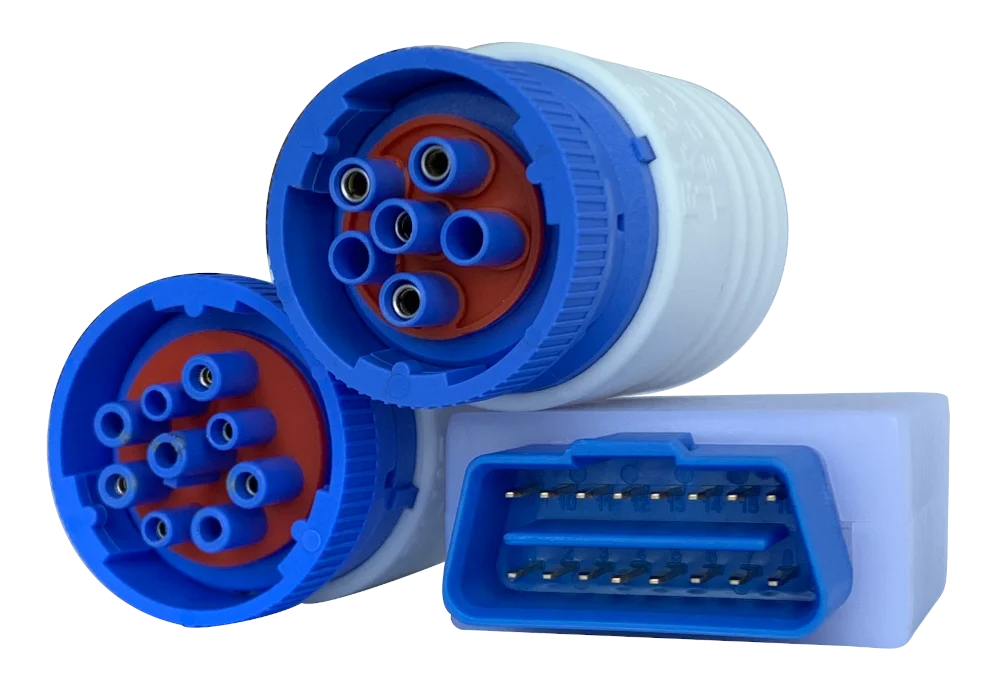
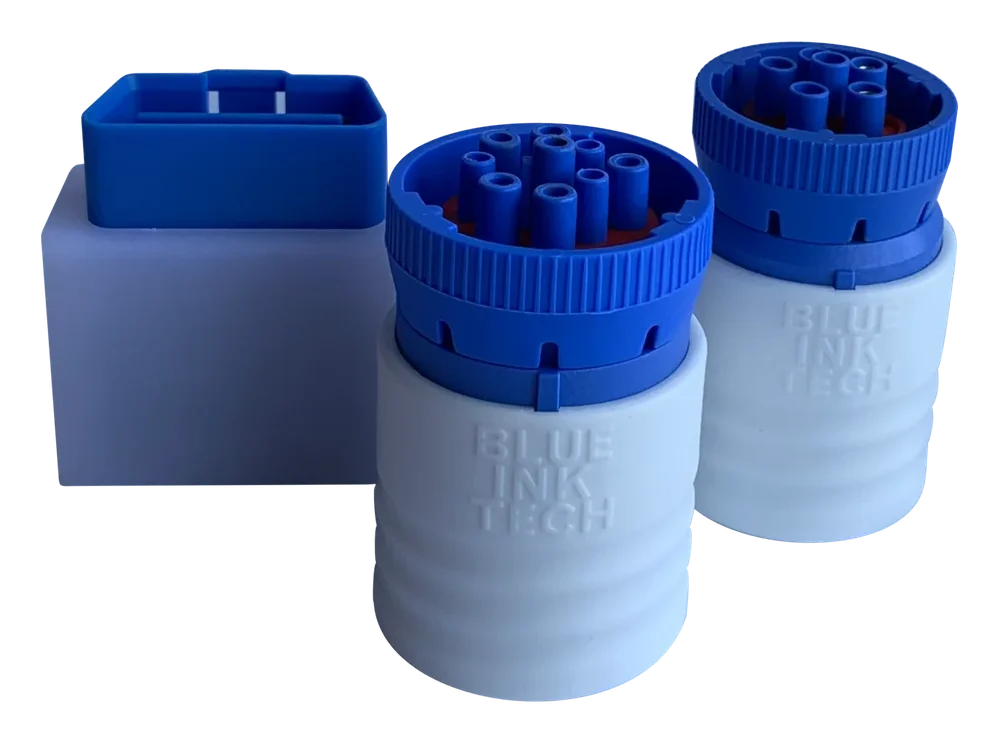
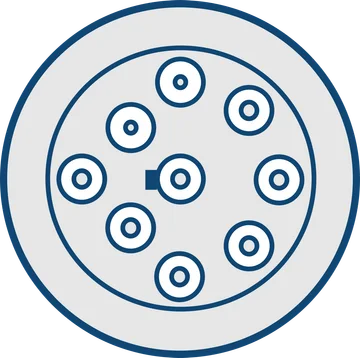
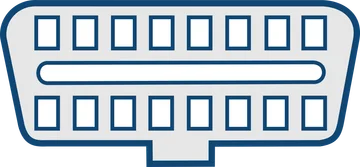
Nine-pin round connector, or the flat OBD-II socket under the dash. Pick the matching ELD — that is the only decision to make.
-
02
Plug it into the diagnostic port
The ELD draws power from the port, so there is nothing to wire and no mechanic required.
-
03
Pair it in the BIT app
The app finds the ELD over Bluetooth. No cable between the ELD and your phone or tablet.
Why drivers pick the BIT ELD
Install in the diagnostic port and start logging hours immediately.
Driver & Inspector cards make roadside inspections painless.
HOS, DVIRs, fuel receipts, and IFTA miles in a single app.
Technical specifications
| Connection | 9-Pin (J1939) or OBD-II |
|---|---|
| Wireless | Bluetooth 4.0 or better |
| Device support | iOS and Android, GPS required |
| Power | Powered through the diagnostic port |
| Logs kept | HOS, DVIR, IFTA miles, fuel receipts |
| Cycles | US, Canada and Oilfield |
| Team driving | Supported, with drive time swapping |
| App data use | 10–20 MB per month, typical |
| Speed recording | Not recorded — used only to detect motion over 5 mph |
| FMCSA | Registered — listed under "BIT" on the ELD registry |
| Warranty | 1-year manufacturer's warranty |
| Returns | 30-day money back guarantee |
In the box
- ›BIT ELD in the connector type you selected (9-Pin or OBD-II)
- ›Quick start guide
- ›1-year warranty
- ›Free Blue Ink Tech app for iOS and Android
- ›Free BIT web portal account for the office
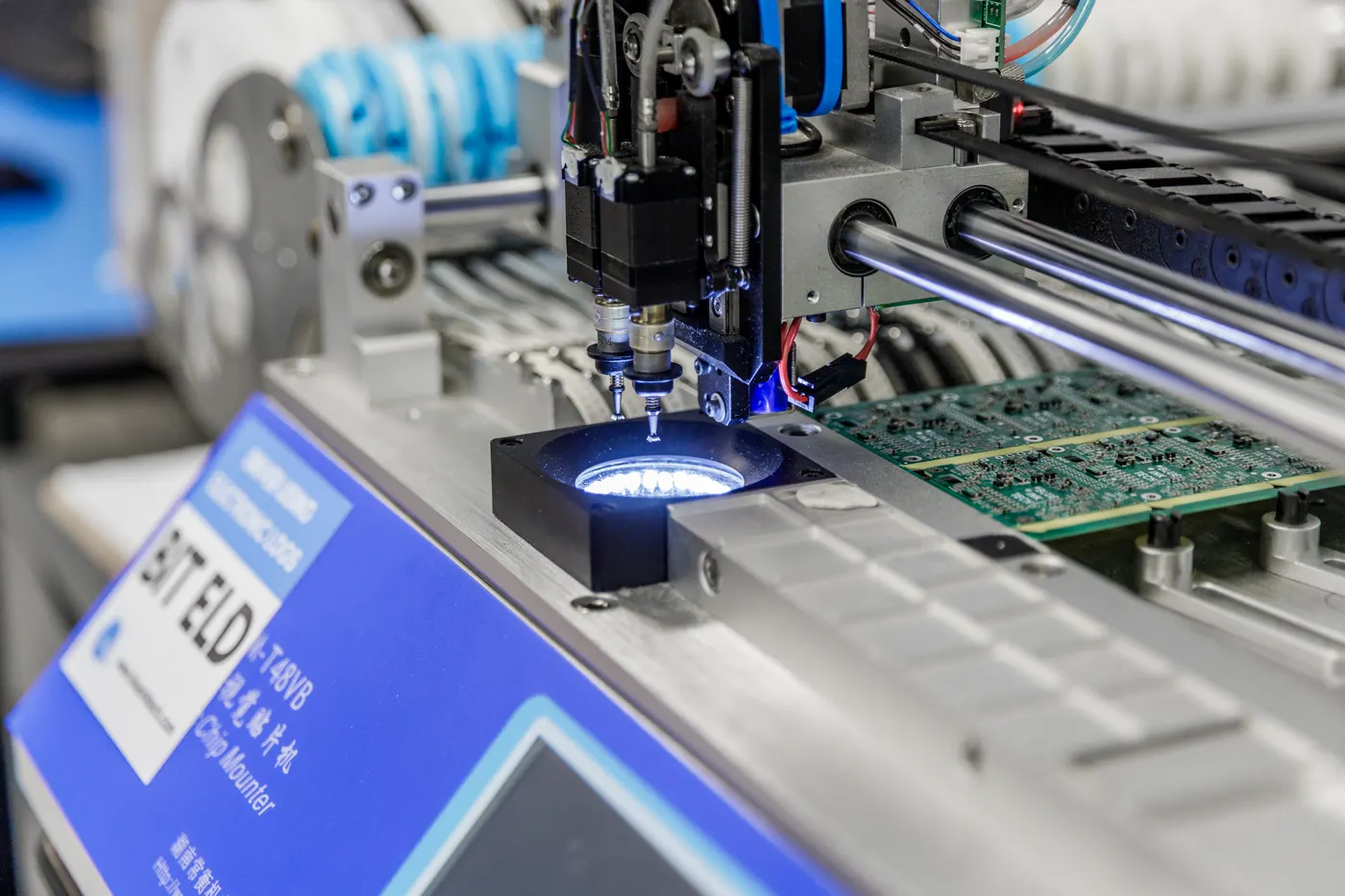
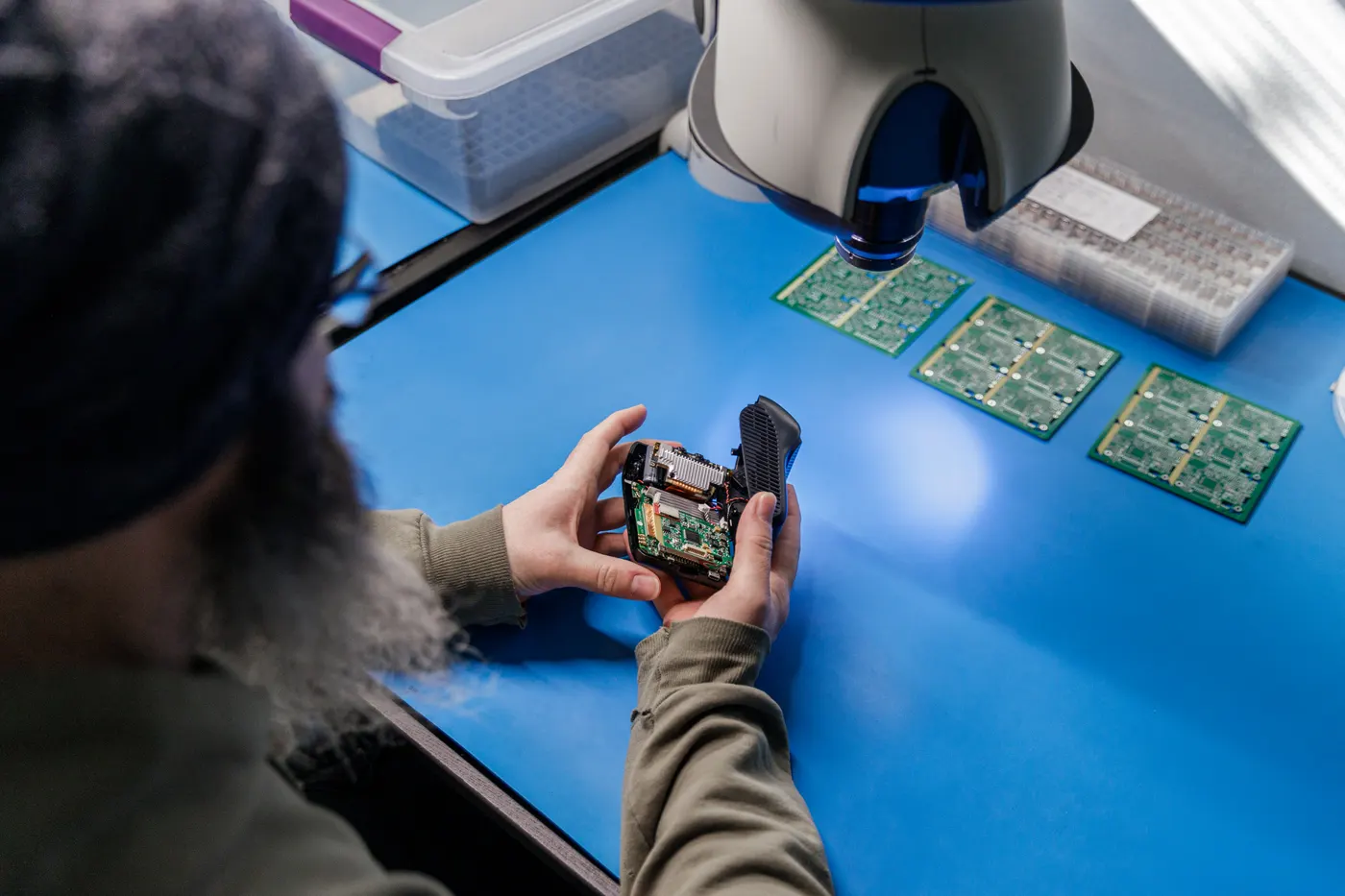
Built in West Virginia
Designed, assembled and supported in one building. When something goes wrong, the person who answers can walk to the bench it came off.
The BIT ELD is part of the BIT Full Service platform
Compliance, location, weights, and video — together. One app and one bill.
Automatic in-state mileage tracking generates quarterly IFTA reports.
See where every truck is and keep full route history — location comes from the BIT app on the driver's phone or tablet.
The same HOS grid in the driver's app and in the office, with built-in cycle recap tables.
What drivers say
I'm extremely happy that I made the switch to Blue Ink Technology from my previous ELD provider.
Great customer service... I went with Blue Ink Tech because it's U.S.-based. Everything is done in the same location, right there in West Virginia. As soon as I submit an issue I get an email... that a tech person is on the issue.
Frequently asked questions
Yes. Blue Ink Tech's ELDs are FMCSA registered. See the <a href="https://csa.fmcsa.dot.gov/ELD/List">FMCSA ELD registry</a> and search for BIT to see all of our registered models.
The Blue Ink Tech App and the BIT web portal are free to use, so you can create a BIT account to try them out before you decide to buy our ELD. Download the app from Google Play or the Apple App Store and log into the web portal to see how easy it is to add or edit HOS logs.
No. The ELD will connect with your device through a wireless Bluetooth connection.
Most new model smart phones and tablets will work with the BIT ELD. Devices must have Bluetooth 4.0 or better and GPS capabilities, and must be able to download apps from either Google Play or the Apple App Store.
No, speed is not recorded or saved by the ELD. Speed data is only used to tell if the truck is in motion over 5mph to automatically set a "Driving" status.
You can unplug the BIT ELD to free up your diagnostic port for maintenance. This will not affect the ELD or your logs. Just remember to reinstall it before you hit the road. We stock splitter cables if you need to plug more than one device into your diagnostic port at one time.
The app is designed to use as little data as possible with periodic data syncs. Usage typically ranges from 10–20 MB per month for basic ELD functionality.
We offer a 30-day money back guarantee, so if you decide the BIT ELD system isn't right for you or your fleet, you can return the ELD(s) for a full refund within that time period.
Not sure which connector your truck has?
Tell us the make, model and year and we will tell you straight which ELD fits it. Monday–Friday, 9am–5pm ET.