At a glance
Full specifications ↓The full table below adds operating temperature, G-sensor detection and certification details.
What the camera does
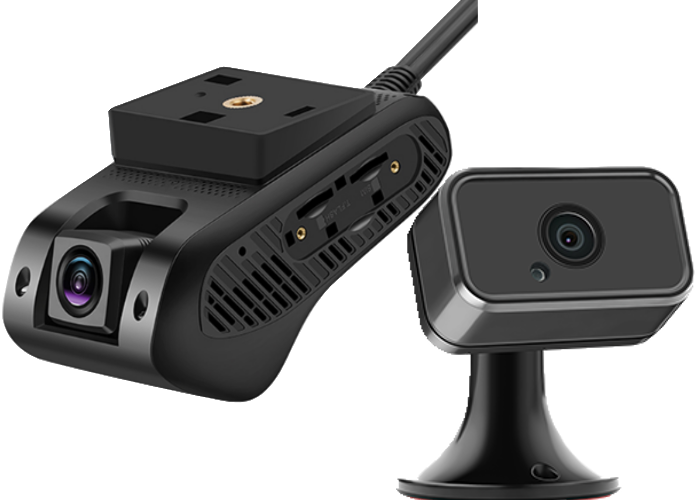
Full HD at 30fps through a 140° lens, with enhanced low-light performance for night runs.
128 GB onboard plus unlimited cloud storage. Clips upload on their own once the truck is back in coverage.
A 3-axis accelerometer flags hard braking and impacts, and you hear about it while the truck is still rolling.
Open the web portal or the app and watch any truck in the fleet in real time.
Add the driver-facing camera when you need both angles, or run road-facing only.
Location, speed and HOS come off the same device, so compliance and video live together.
Installed in about fifteen minutes
-
01
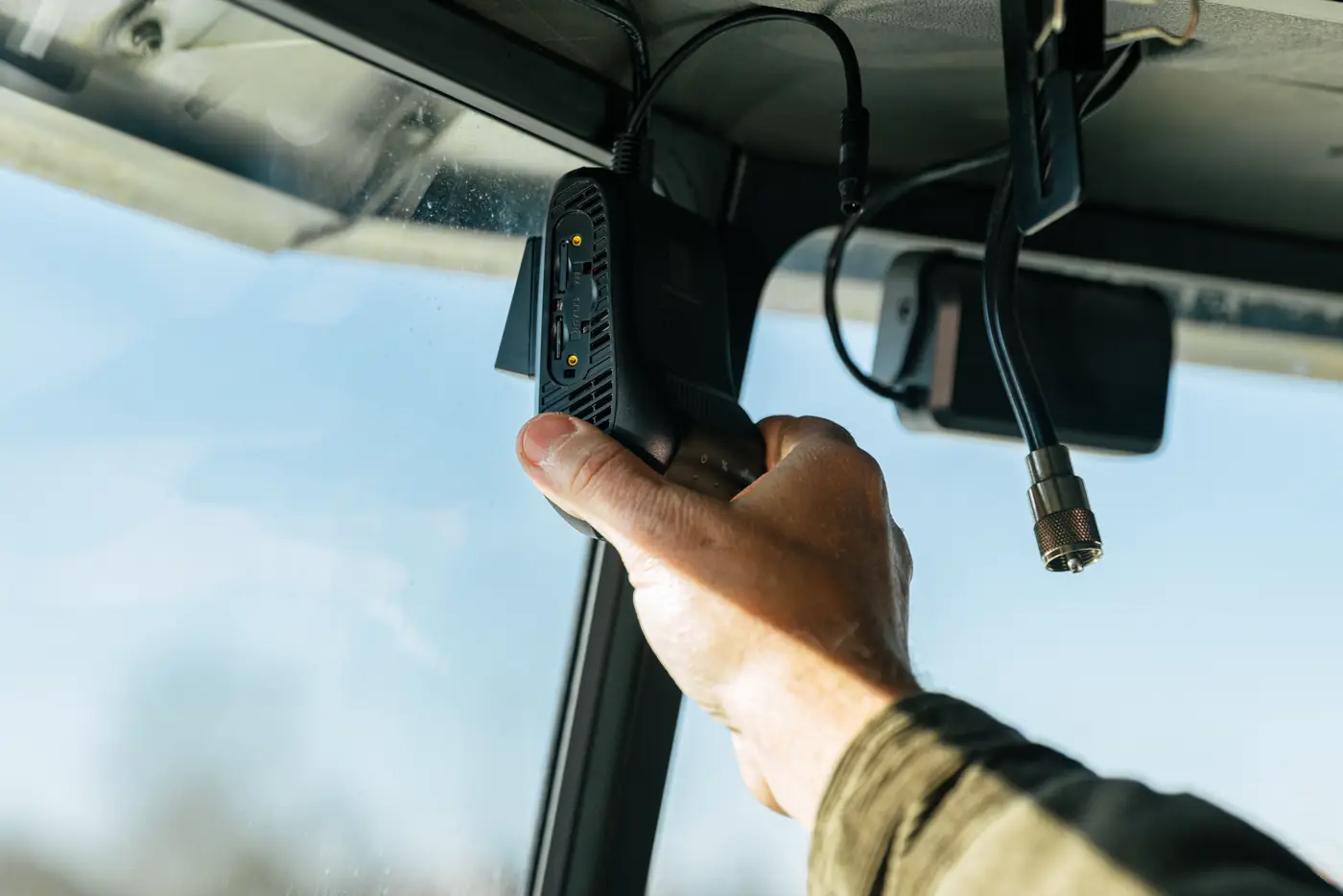
Plug into the diagnostic port
9-Pin or OBD-II, whichever you picked. The camera draws power from the port, so there is nothing to wire.
-
02
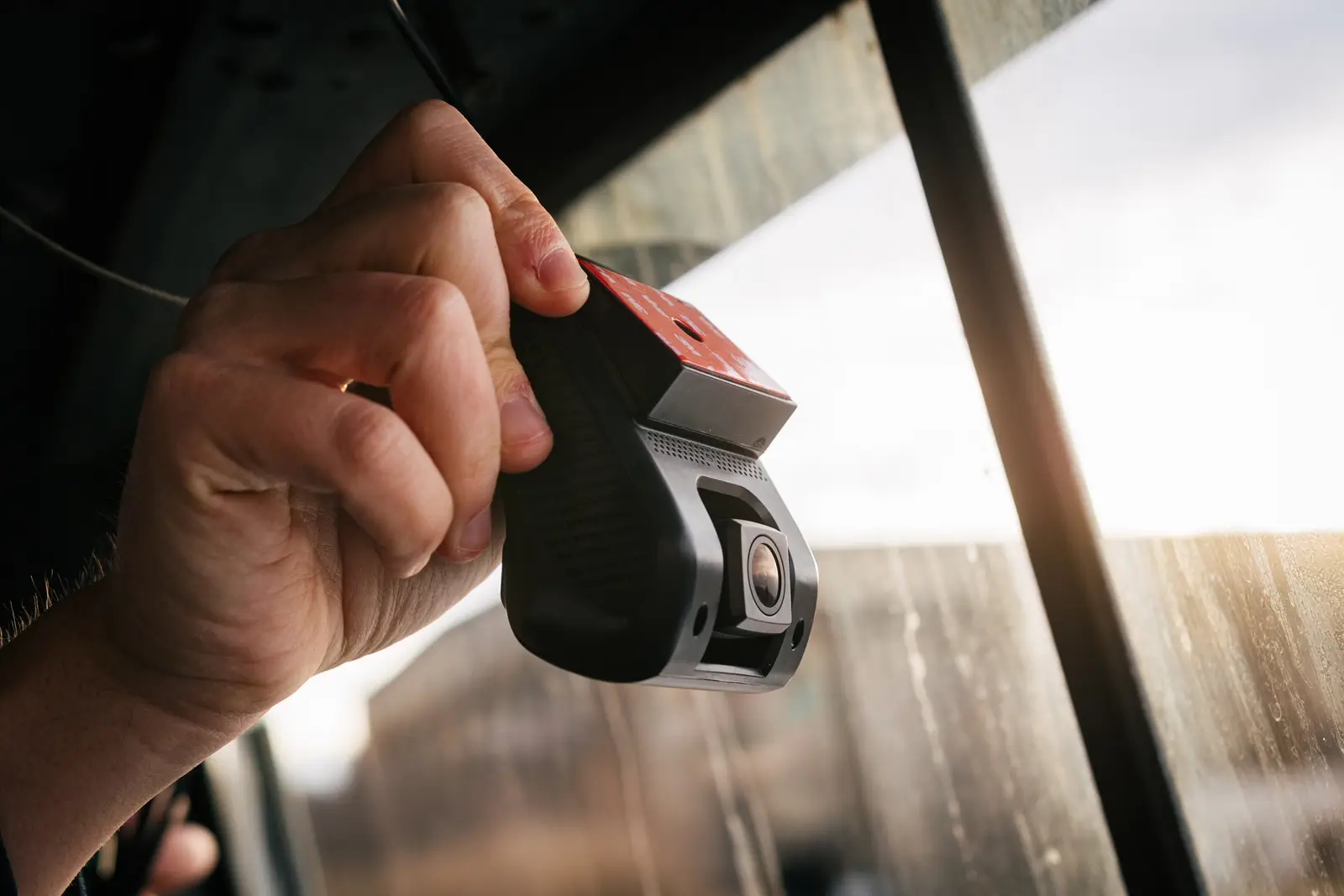
Mount to the windshield
Clean the glass, press the bracket on at or above driver eye level, and leave it two hours before you clip the camera in — the adhesive needs that to take. Then aim the lens slightly down toward the road.
-
03
Pair it in the BIT app
The camera finds the cloud on its own. Your fleet list and live view populate on the spot.
Top reasons fleets choose the BIT Dashcam ELD
Plug into the truck's diagnostic port — no mechanic required.
Pull HD video from your truck from the office.
Know drivers are taking care of your trucks on the road.
Technical specifications
| Video resolution | 1080p Full HD at 30fps |
|---|---|
| Storage | 128GB onboard + unlimited cloud storage |
| Field of view | 140° wide angle lens |
| Night vision | Enhanced low-light performance |
| Connectivity | 4G LTE with WiFi backup |
| Power | Powered through diagnostic port |
| Operating temperature | -20°F to 140°F (-29°C to 60°C) |
| G-sensor | 3-axis accelerometer for event detection |
In the box
- ›BIT Dashcam with road-facing camera
- ›Connection cable matching your selected connector type (9-Pin or OBD-II)
- ›Windshield mount with 3M adhesive
- ›Quick start guide
- ›1-year warranty and cloud storage
Built in West Virginia
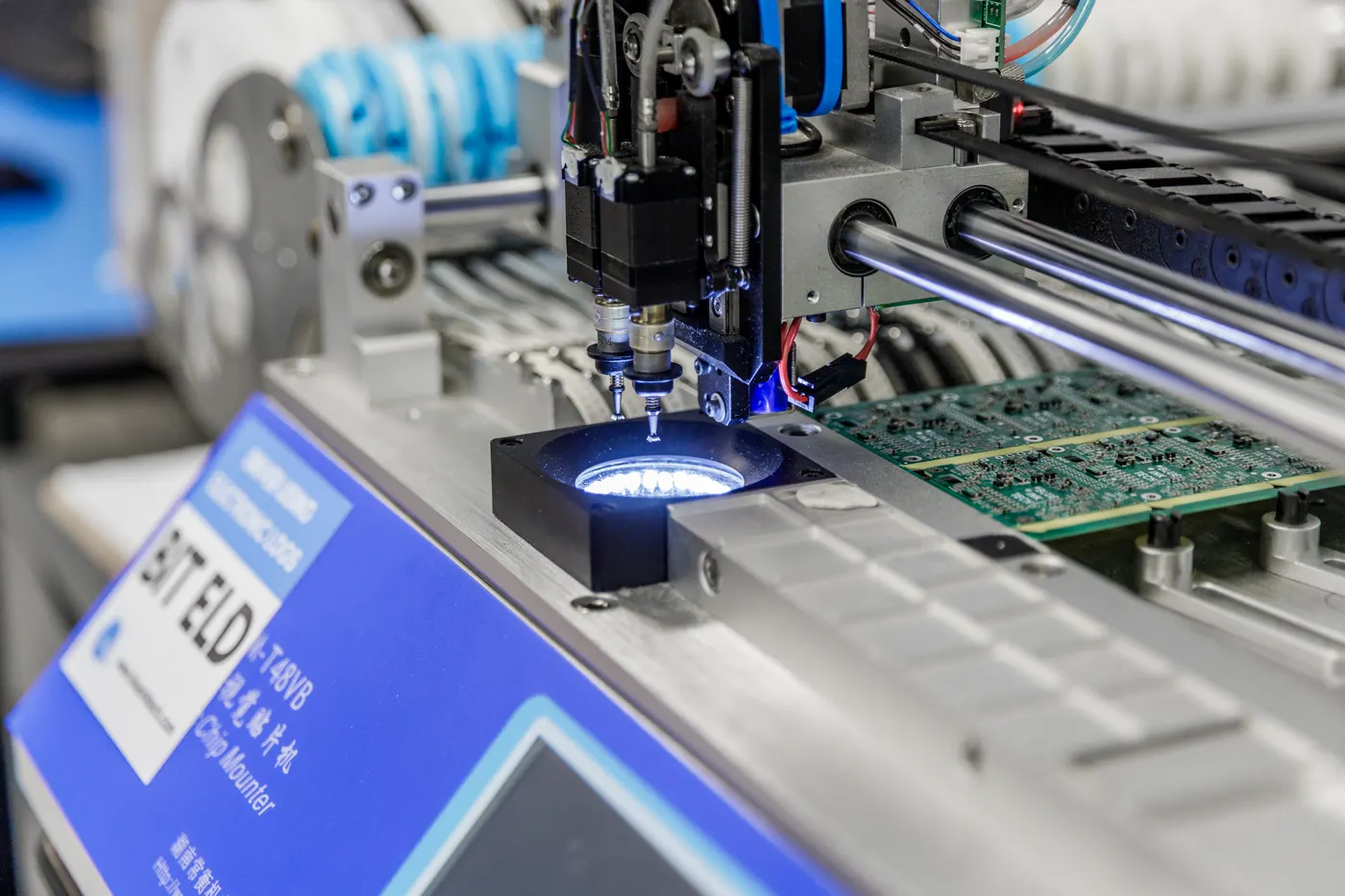
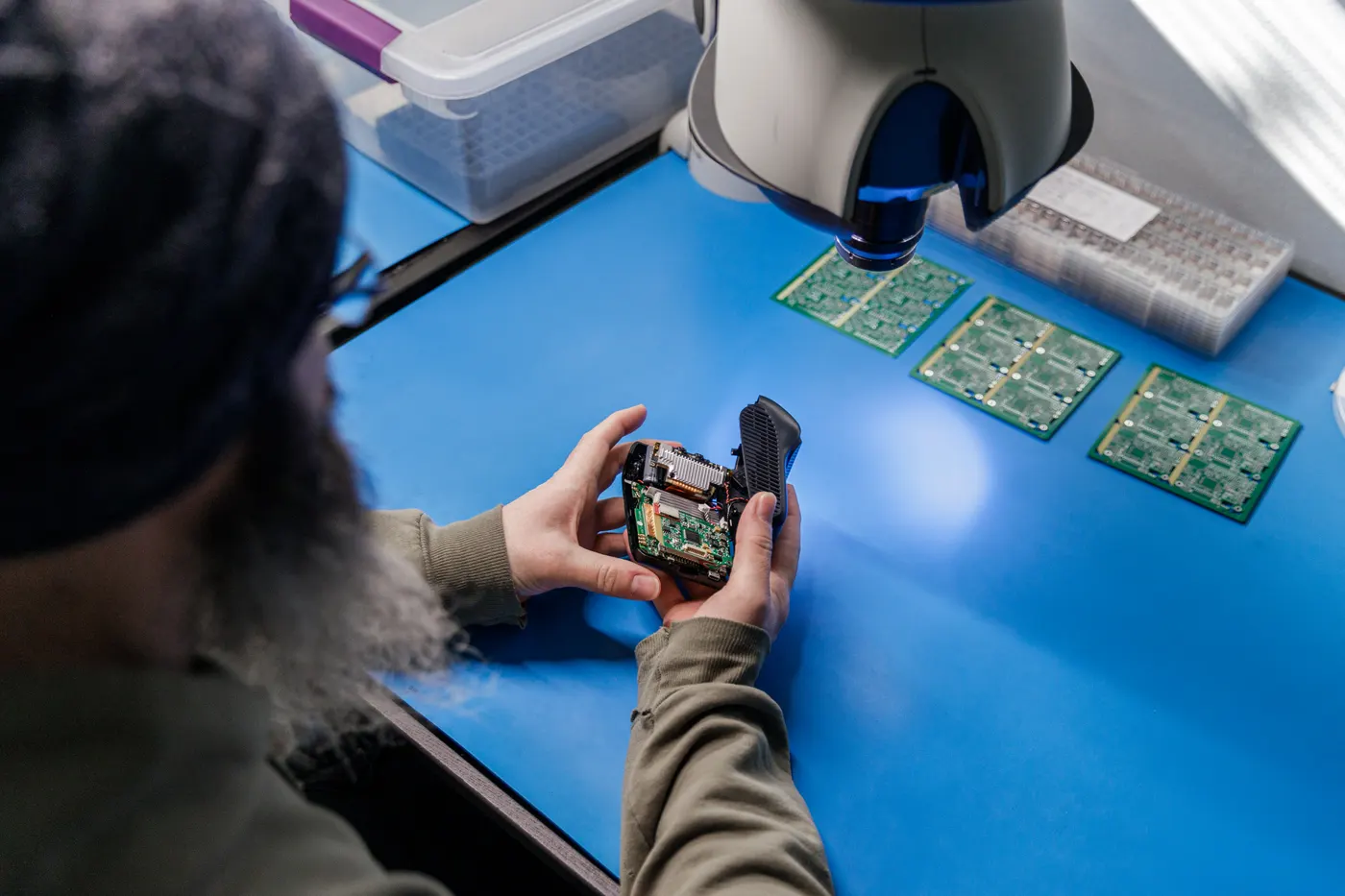
Designed, assembled and supported in one building. When something goes wrong, the person who answers can walk to the bench it came off.
Works with the rest of the BIT platform
One app and one bill — video, weights and location together.
See where every truck is, and manage in-state miles for IFTA.
Gross and axle weights overlaid with your video.
Share driving events with insurers for discounts.
What a camera is worth
One disputed accident usually costs more than a truck's camera does over its life. The numbers below are the ones fleets tell us move the needle.
What drivers and fleets say
Great customer service... I went with Blue Ink Tech because it's U.S.-based. Everything is done in the same location, right there in West Virginia. As soon as I submit an issue I get an email... that a tech person is on the issue.
The video quality is excellent and being able to check on my drivers remotely gives me peace of mind. Already saved us from a false accident claim.
Frequently asked questions
The dashcam has 128GB of onboard storage (about 60 hours of HD video) plus unlimited cloud storage. Videos are automatically uploaded when connected.
Yes! You can view live video from any truck in your fleet through the web portal or mobile app, as long as the truck has cellular coverage.
Yes, the BIT Dashcam includes full ELD functionality and is FMCSA certified for hours of service compliance.
Installation takes about 10-15 minutes. Simply plug into the diagnostic port, mount the camera on the windshield, and you're ready to go.
The dashcam continues recording to internal storage. Once back in coverage, it automatically uploads any missed footage to the cloud.
The work is minutes — route the cable, plug into the diagnostic port, stick the bracket to the windshield. But leave the bracket alone for two hours before clipping the camera in, so the adhesive can take. Plan the mount at the end of a shift rather than the start of one.
Not sure which plan your fleet needs?
Tell us how many trucks you run and how often you pull video. We'll tell you which data plan fits and what a fleet quote looks like.